Quick answer
The best progress photo for an AI skin scan is clear, front-facing, evenly lit, unfiltered, and repeatable. Use the same location, same camera, same distance, same time of day if possible, and the same facial expression. Avoid harsh overhead lighting, strong side light, filters, heavy makeup, sunglasses, wet skin, and extreme angles.
Good photos make skin tracking more useful. Bad photos can exaggerate acne, pores, redness, oiliness, and dark circles. If you compare a harsh bathroom selfie to a soft daylight photo, you may think your skin changed when the lighting changed.
Why this matters
A skin scan is only as good as the input image. Computer vision can map a face and score visible patterns, but it cannot fully remove every photo variable. Shadows can look like dark circles. Shine can look like oiliness. Red lighting can look like redness. Close lenses can distort the nose and cheeks. Low resolution can blur pores and texture.
This is especially important for looksmaxxing because people often judge progress emotionally. One bad photo after poor sleep can make a routine feel like failure. One flattering photo in perfect light can make a product seem magical. Consistent photos reduce that noise.
Progress tracking is not about taking the prettiest photo. It is about taking a fair photo repeatedly.
The ideal setup
Use natural, indirect daylight when possible. Face a window rather than standing under overhead bathroom light. Keep the light in front of you, not behind you. If the window is too bright, move slightly back so the face is evenly lit.
Keep the camera at eye level. Hold it far enough away to reduce lens distortion, or use a tripod, shelf, or timer. Look straight ahead. Keep your head neutral. Avoid tilting the chin dramatically up or down because that changes shadows under the eyes and jaw.
Use a neutral expression. A big smile can change cheek texture, eye shadows, and facial landmarks. A tense expression can make the face look harsher. Relaxed and repeatable is best.
Remove obvious obstructions. Pull hair away from the forehead and cheeks. Remove sunglasses and hats. If facial hair changes between scans, note it because shaving irritation and beard coverage can affect acne, redness, and pore visibility.
What to avoid
Avoid filters, beauty mode, skin smoothing, HDR overprocessing, and apps that alter facial features. Even small enhancements can reduce texture, change redness, or brighten the under-eye area.
Avoid scanning immediately after a hot shower, heavy workout, sauna, shaving, exfoliation, alcohol flushing, crying, or sun exposure unless you are specifically tracking that trigger. These situations can temporarily increase redness, shine, swelling, or irritation.
Avoid comparing different cameras. A front camera and rear camera can render skin differently. A new phone may process color and texture differently. If you change device, treat the next scan as a new baseline.
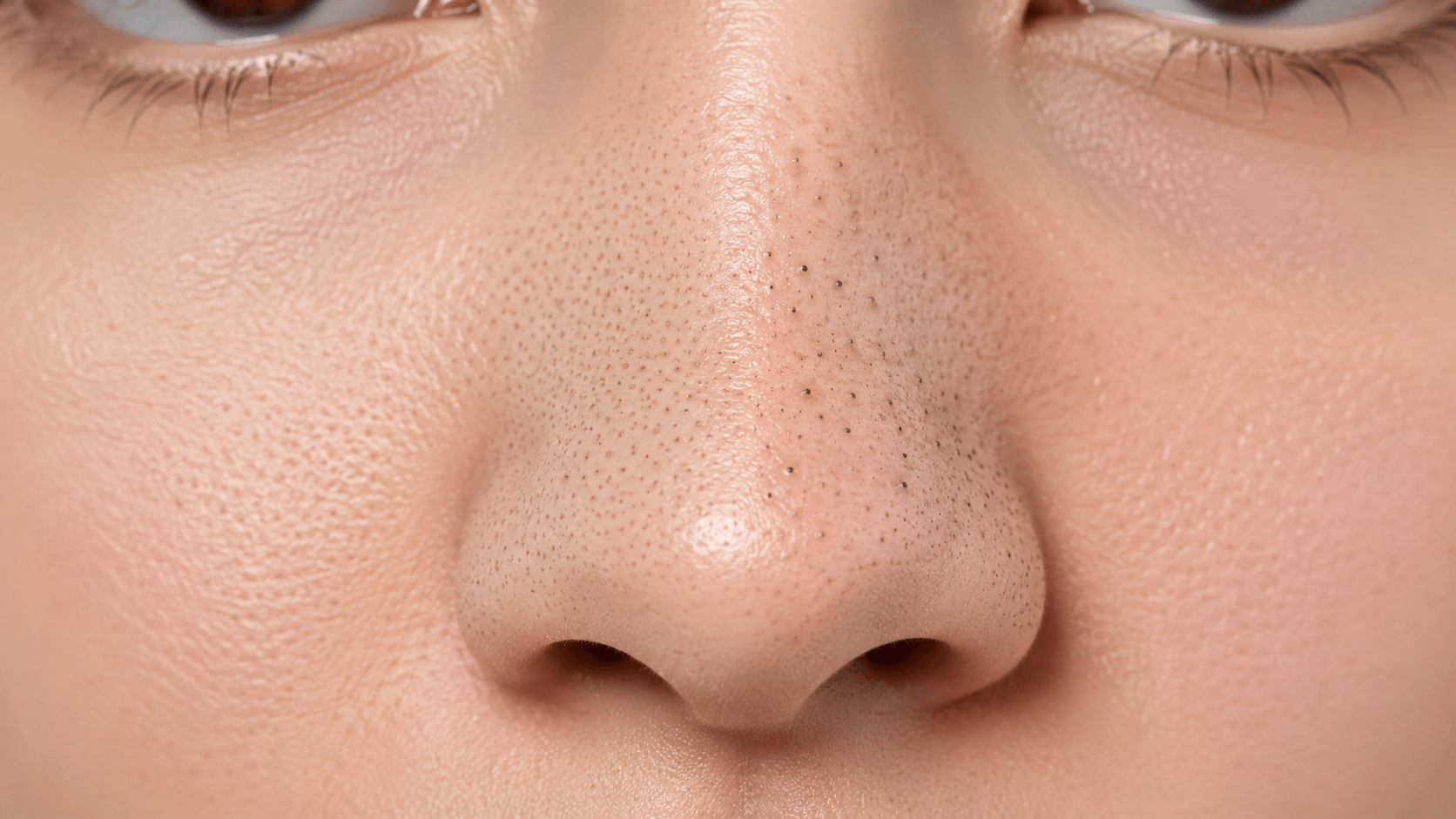
Avoid taking photos too close. Close selfies can distort the center of the face, exaggerate pores and nose size, and change facial proportions. More distance with a timer is usually better.
What LooksMax Scan can help you check
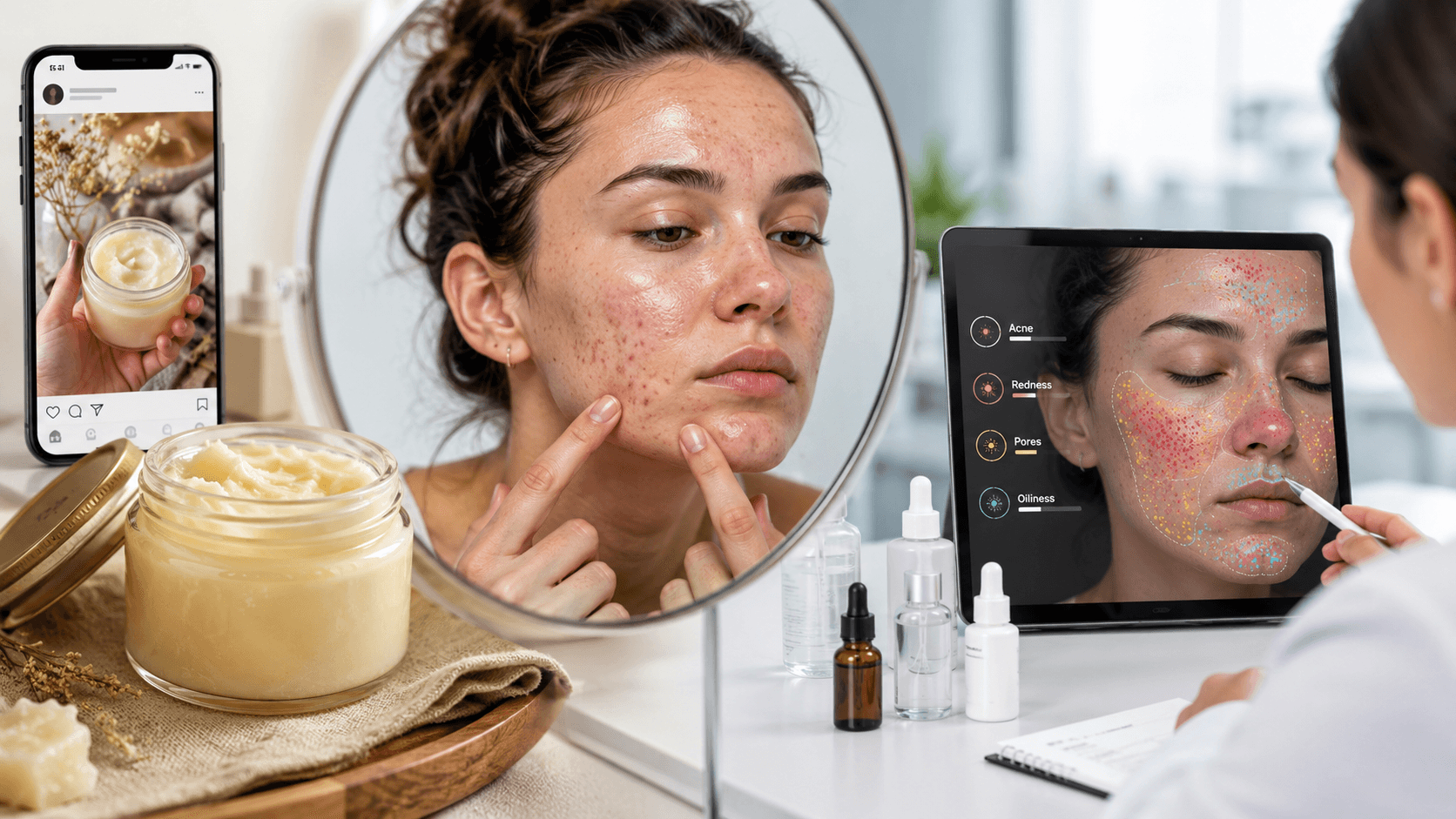
LooksMax Scan analyzes visible skin signals: acne, pores, redness, oiliness, and dark circles. With good photos, you can use the scan to track whether a routine change is helping.
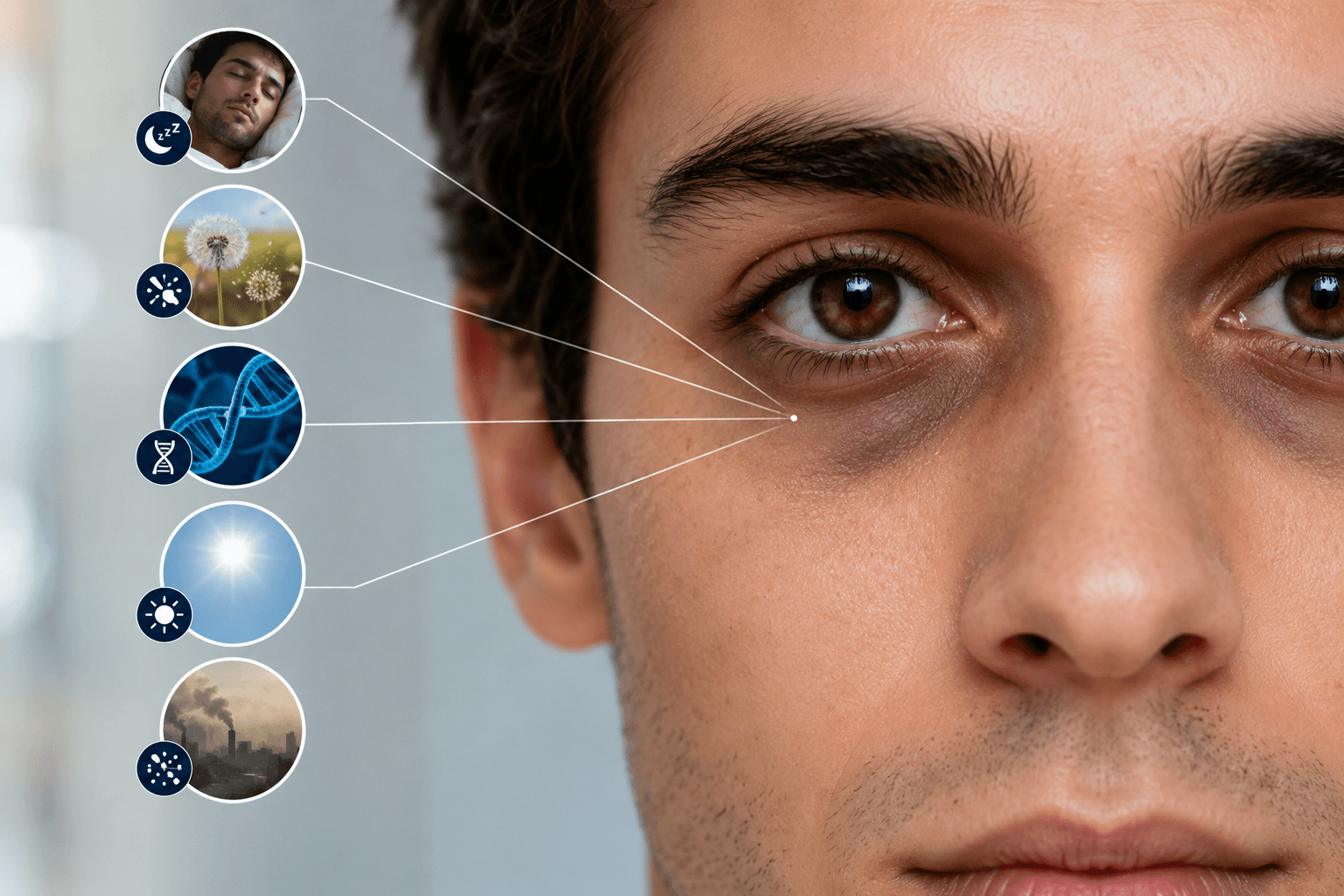
Acne tracking works best when spots are visible and not covered by heavy makeup. Pore tracking works best with sharp focus and normal distance. Redness tracking works best with neutral lighting. Oiliness tracking works best when shine is not caused by wet skin or heavy product residue. Dark-circle tracking works best without overhead shadows.
The scan also helps you avoid overreacting. If the photo conditions are the same and a metric improves over several scans, that is more meaningful than one perfect selfie. If the conditions changed, be cautious about interpreting the result.
What it cannot control
LooksMax Scan cannot fully correct bad lighting, blur, filters, occlusion, low resolution, unusual angles, or inconsistent timing. It cannot know whether you slept badly, changed diet, used a new product, shaved, wore sunscreen, or rubbed your eyes. It cannot diagnose medical conditions.
The user has to supply context. A simple note beside each scan can help: date, sleep, routine changes, shaving, sunscreen, active products, stress, exercise, and lighting. The more consistent the input, the more useful the output.
A simple tracking protocol
Start with a baseline. Take three photos on the same day and choose the clearest one. Run the scan. Save the result.
Pick one goal. Do not try to fix acne, pores, redness, oiliness, dark circles, diet, sleep, and every product at once. Choose the main signal and change one thing.
Retest every one to two weeks under the same conditions. Daily scanning can make normal fluctuations feel dramatic. Weekly or biweekly tracking is usually calmer and more useful.
Compare trends, not single images. Skin changes with sleep, hormones, weather, stress, exercise, sun exposure, and routine. A good tracking process looks for repeated movement in the same direction.
Use professional care when needed. If a concern is painful, sudden, spreading, scarring, infected-looking, or emotionally distressing, do not rely only on photos.
The best progress photo is honest, repeatable, and boring. That is exactly why it works.
Run a private AI skin scan on LooksMax Scan.