Quick answer
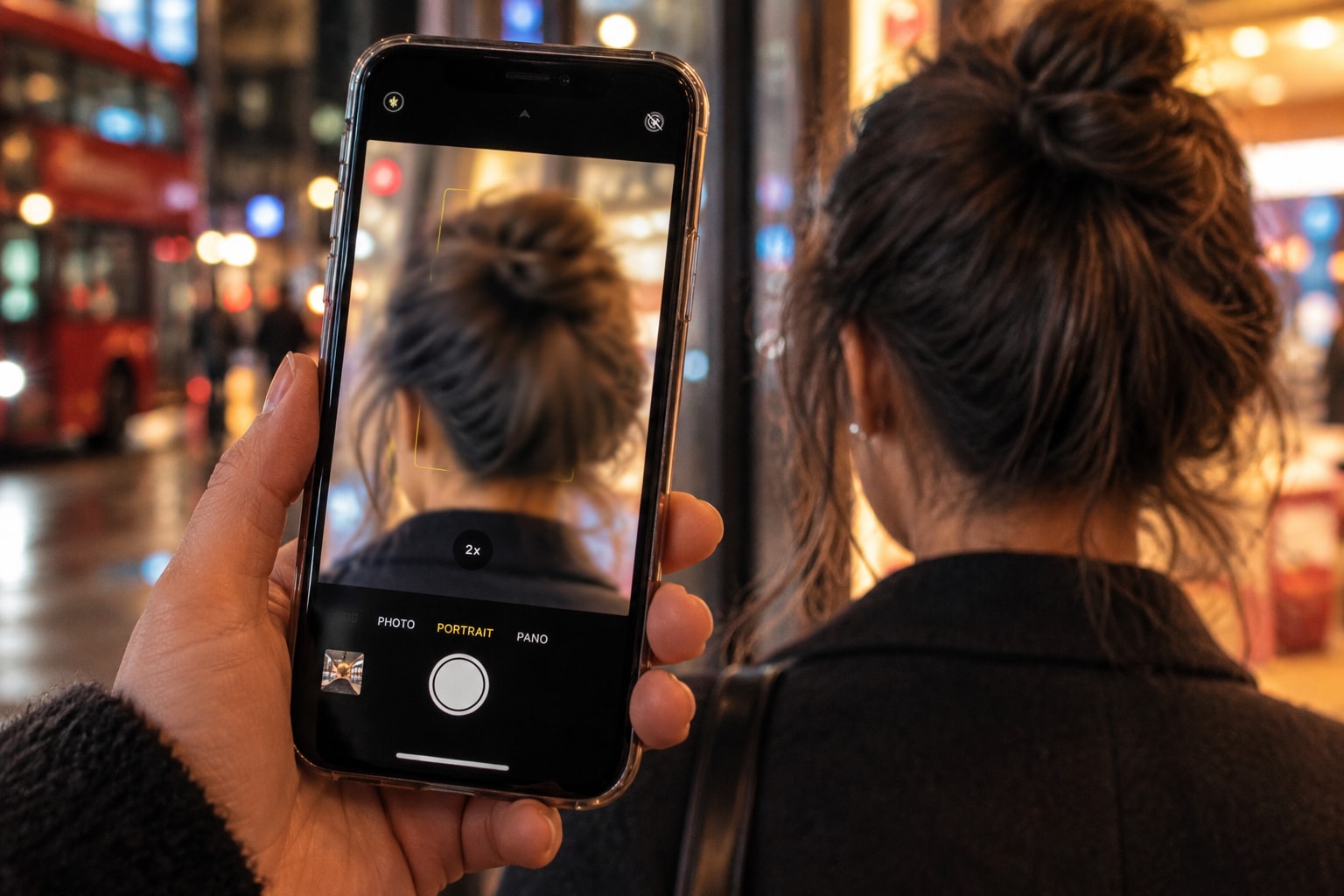
Why does portrait mode blur my hair? Your phone has probably classed fine strands as background or placed them at the wrong depth. This is a computational segmentation or depth error, not evidence that your hair is thin or damaged.
First, switch the portrait effect off on the same image if your phone allows it. Then adjust the light and background, reduce the simulated blur, or use Photo mode when the hair outline matters.
Why portrait mode struggles with hair
Most phone cameras keep much of a scene in focus because their lenses and apertures are small. Portrait mode creates its shallow-depth effect largely with software. Depending on the phone and camera, it uses subject segmentation, an estimated depth map, or both before blurring the background.
Phone makers use different hardware and models, but they share the same problem: hair is not a clean, solid outline. Flyaways, curls, wispy ends, and gaps between strands create a partly transparent boundary.
Google's work on portrait matting explains why a simple foreground mask falls short. A binary mask labels each pixel as either subject or background. Fine hair can occupy only part of a pixel, so a better system must estimate partial transparency.
Adobe says building a depth map around narrow subjects, including flyaway hair, remains difficult. Google's newer portrait-matting work aims to preserve strand-level detail, but the phone must still estimate the boundary.
The mistake usually appears in one of three ways:
- Fine strands disappear into the blurred background.
- Small background patches stay sharp between curls or braids.
- A sharp or fuzzy halo follows the outside of the hairstyle.
These are depth or boundary errors. If the whole face and head look soft, the cause may instead be missed focus, camera movement, or low light.
Test the portrait effect in 60 seconds
Use one editable portrait for the cleanest comparison.
- Open the portrait in your phone's photo editor.
- Inspect the crown, sides, flyaways, ears, and shoulders at a normal viewing size.
- Turn the portrait effect off without changing any other setting.
- Inspect the same areas again at the same size.
This comparison holds the capture, lens, framing, and moment constant; returning strands show that portrait processing altered the edge. If they remain soft, the problem was probably present when the phone captured the image.
Not every phone keeps editable depth data. If yours does not, take one Photo-mode frame and one portrait without changing your setup. Treat that as a secondary check because the mode may change the lens, crop, or processing.
Five things to try
1. Give the background more room
Leave more space between your hair and the wall, foliage, shelves, or chair behind you. Google recommends distance between the subject and background for a more pleasing portrait blur.
That space does not reliably repair hair segmentation. It can make the intended background effect look less crowded, so judge the edge rather than assuming it worked.
Keep nearby branches, shelves, and chair backs outside your outline. If they cross a curl or bun, it becomes harder to judge where the blur should begin.
2. Choose a background with clear contrast
The model may separate your hair more cleanly when the background has a different tone. Dark hair against a dark curtain leaves fewer visible edge clues.
A bright window behind you causes a different problem. Google notes that blown highlights can leave a depth estimator with less useful information.
Try an uncluttered background with a tone different from your hair. This is a practical test, not a guaranteed fix.
3. Add even light and hold still
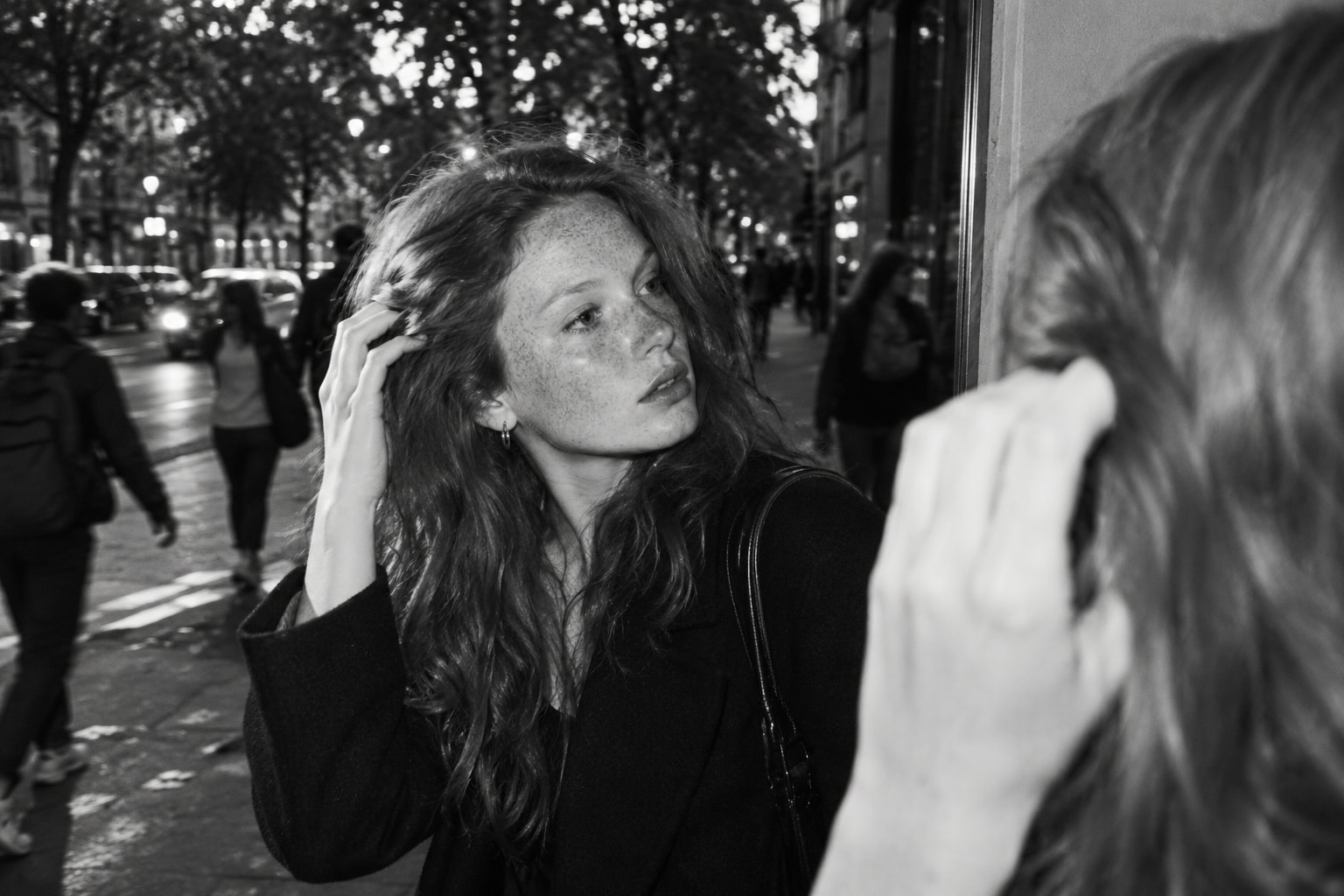
Use a soft light in front of you, or face a window that is not in the frame.
Hold the phone steady and pause before pressing the shutter. Google's Pixel explanation says movement can cause ghosting when frames are combined, while low light can reduce depth accuracy.
Check the effect-off version again because changing portrait strength cannot restore strands that were already soft in the capture.
4. Reduce the blur after capture
A strong simulated blur makes a small boundary mistake more obvious, so lower the amount until the hair edge looks believable.
On a supported iPhone, Apple's Depth Control changes background blur before or after capture, and Photos can switch the Portrait effect off.
Keep the original file because a sharpness slider cannot reconstruct missing strands after an app exports a flattened copy with the hair already blurred.
5. Use standard Photo mode when the outline matters
Portrait mode is optional, so use standard Photo mode for a haircut reference, hair-density record, hairstyle comparison, or AI face scan. These tasks benefit more from an unblurred source than decorative background blur.
On supported iPhones, Photo mode can save depth information when the Depth button appears. You can add the Portrait effect later, keeping a sharp original while you decide whether the blur helps.
If you compare progress photos, keep the mode, lens, distance, lighting, and hair state consistent. Otherwise, the setup can create an apparent change of its own.
Fix an existing portrait without making it look edited
Start with the phone's own controls because they may still have the original depth data. On iPhone, open the portrait in Photos, reduce Depth Control, or tap Portrait Off.
If you also took a Photo-mode version, use that instead of trying aggressive sharpening on the finished portrait.
If you have an unblurred source, an editor can create a new depth map instead of trying to undo the old blur. Adobe's Lens Blur refinement brushes let you mark a region as in focus before export. Adobe warns that the tool cannot recover detail already blurred in the source.
Do not use portrait blur to judge your hair
A portrait-mode gap is not a bald spot, and a softened temple is not proof of recession. The effect changes pixels after capture, and its errors cluster around complicated edges.
If you are tracking your hair, use standard photos under repeatable conditions. Compare matched images instead of treating one processed portrait as a baseline.

FAQ
Why does portrait mode blur flyaway hair?
Flyaways are narrow and often partly transparent against the background. The phone may assign those pixels to the background, so its simulated blur softens or removes them.
Does blurry hair in portrait mode mean my hair is thinning?
Not by itself; turn off the effect or take the same shot in standard Photo mode. If the strands return, portrait processing caused the change rather than your hair.
Can I remove portrait blur from an iPhone photo?
Yes, if it still contains editable portrait data; open Photos and tap Portrait Off or reduce Depth Control. A flattened exported copy may not retain those controls.
Why do background patches stay sharp between curls?
The phone may label a gap as part of you or place it at the wrong depth. Fine gaps and overlapping strands are difficult boundary cases. Reducing the blur usually looks cleaner than sharpening around each curl.