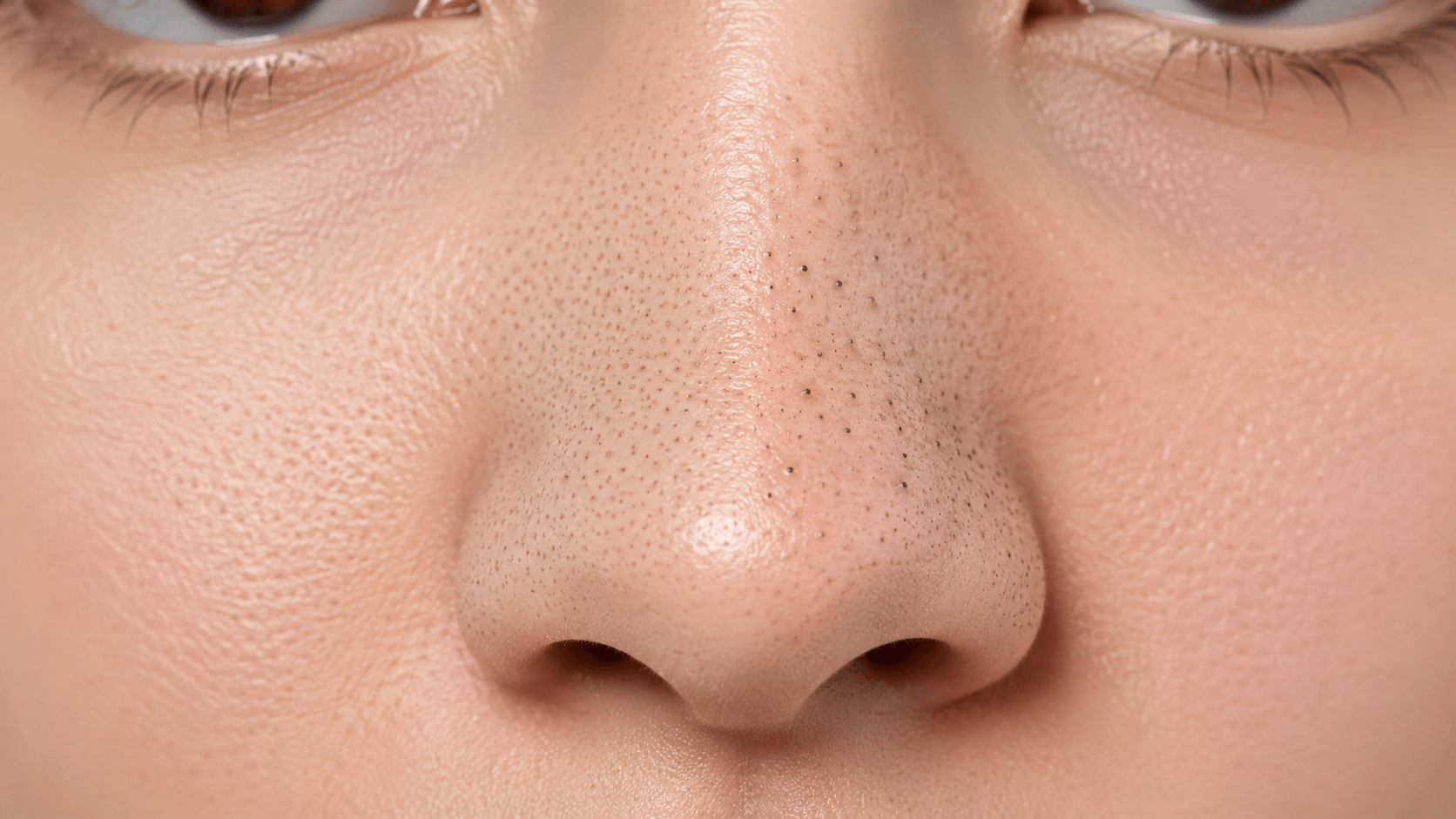
Quick answer
An AI pore analysis can help you check visible pores, uneven texture, shine, and photo quality. It cannot permanently shrink pores, diagnose skin conditions, or tell you everything happening below the skin. Its best job is to make visible texture tracking more consistent.
Pores are normal. Everyone has them. The question is not whether your pores exist. The useful question is whether they look more noticeable because of oil, clogged pores, harsh lighting, sun damage, irritation, makeup, camera sharpening, or simply a very close selfie.
What an AI pore analysis looks for
A useful pore scan checks visible texture around the nose, cheeks, forehead, and chin. It can look for areas where pores are more noticeable, where shine may be increasing contrast, and where blur or camera distance makes the analysis less reliable.
A good result might say:
- Main visible signal: nose and inner-cheek pores are more noticeable
- Secondary signal: mild T-zone shine
- Photo warning: close selfie may exaggerate texture
- First fix to test: consistent gentle cleansing and non-comedogenic moisturizer
That is much more useful than a generic “pore score.”
Why pores look different in every photo
Pores are strongly affected by lighting and camera processing. Side light creates tiny shadows that make texture look deeper. Flash can increase shine. A front camera can sharpen the skin in a way that exaggerates pores, while beauty mode can hide them completely.
Distance matters too. A very close selfie makes the center of the face look larger and can make nose and cheek pores feel more dramatic. For tracking, use a normal distance, eye-level camera, and consistent light.
What actually makes pores more noticeable
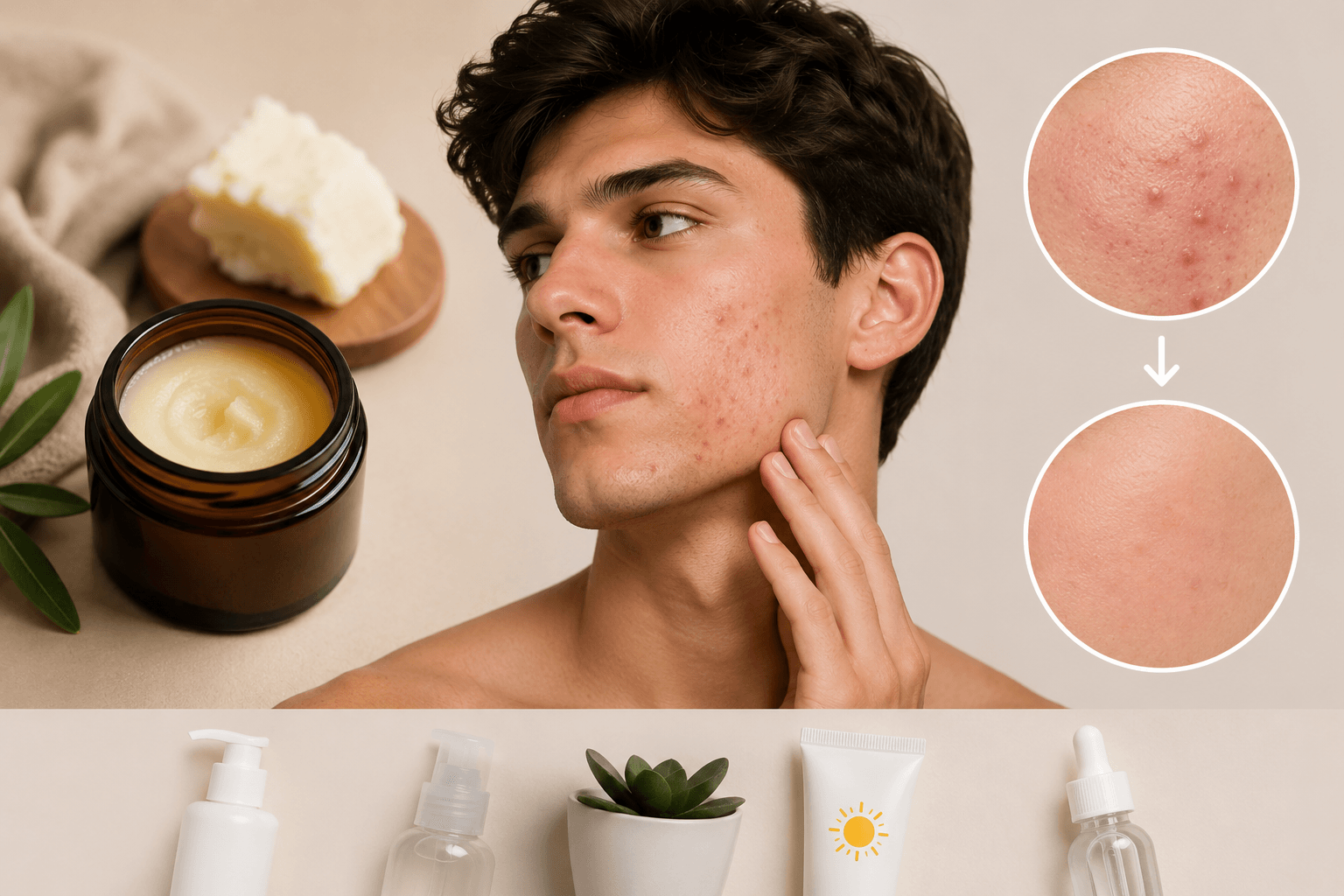
Visible pores often look larger when they are clogged, when skin is oily, when skin is irritated, or when the surrounding skin has lost firmness. Harsh scrubbing can backfire because irritation can make texture look more obvious. Heavy products that clog pores can also make the pattern worse.
The practical goal is not to erase pores. The goal is to make them less noticeable by reducing clogging, excess shine, irritation, and inconsistent photo conditions.
How to take a good pore scan photo
Use a sharp, clear image with even front-facing light. Do not use skin smoothing, heavy foundation, flash, or wet skin. Avoid scanning right after sweating, exfoliating, shaving, applying thick skincare, or standing under bright overhead light.
Take the photo from the same distance each time. If you want to track pores, consistency matters more than flattering angles.
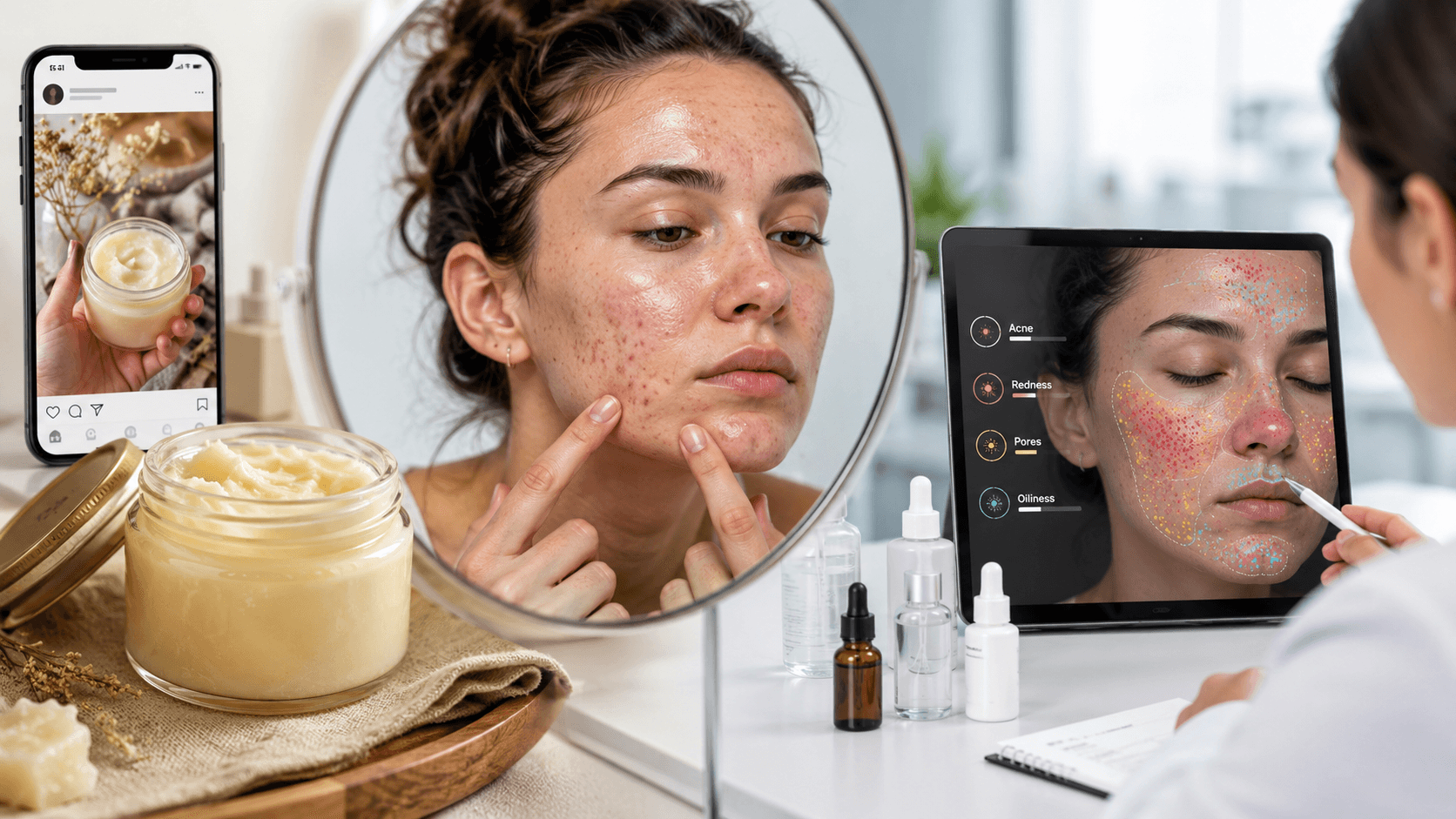
How to use the result
Start by identifying your main zone: nose, inner cheeks, forehead, or chin. Then pick one tracking goal:
- Less visible shine by midday
- Fewer clogged-looking pores
- Smoother-looking cheek texture
- Less irritation after cleansing or shaving
Retest every 2 weeks. Texture changes slowly, and daily checking can make you obsess over camera noise. A fair progress comparison should use the same lighting and distance.
Simple pore-friendly habits
Use a gentle cleanser and avoid scrubbing. Look for non-comedogenic products if you are prone to clogged pores. If you tolerate it, a salicylic-acid cleanser or leave-on product may help with clogged-looking pores, but irritation is a sign to slow down. Retinol-type products may help some people with visible pores and texture, but they are not for everyone and should be used cautiously.
Daily sunscreen also matters because sun damage can reduce skin firmness over time, which can make pores appear more noticeable.
What the scan cannot tell you
An AI pore analysis cannot know your genetics, sebum production, hormones, skincare history, or whether a product is clogging your pores. It cannot diagnose acne, rosacea, dermatitis, or seborrheic dermatitis. It also cannot promise to “close” pores.
Use it to compare visible texture under fair conditions. That is where AI is helpful: not magic, just structured consistency.
Run a private AI pore analysis on GlowUpFace.