Quick answer
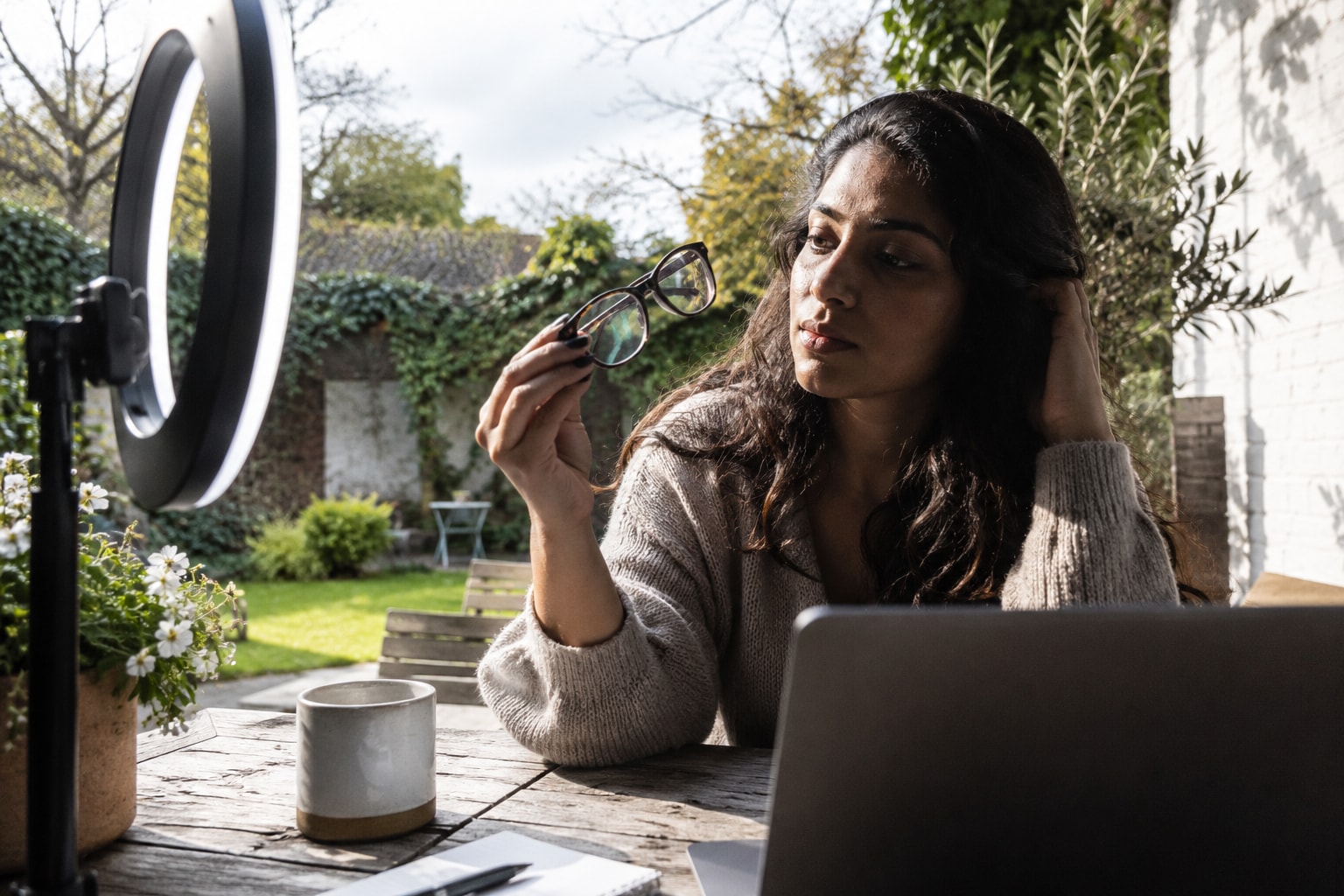
If you're asking how to stop ring light reflection in glasses, move the light away from the camera's direct line. Raise it above eye level, shift it to one side, and angle it down. Watch the live preview and keep adjusting until both pupils remain clear when you look at the lens.
For a passport, biometric process, or AI face scan, follow that service's photo rules. Where it allows or asks you to remove your glasses, a clean retake preserves more real detail than editing a bright ring off your eyes.
Why a ring light appears in your glasses
The problem is geometry, not dirty lenses. An eyeglass lens has a smooth, curved surface that reflects some incoming light. OpenStax explains the basic rule: light leaves a reflective surface at the same angle that it arrives.
A standard ring-light setup puts the camera in the middle of the light. That sends light toward your lenses from almost the same direction as the camera. Part of it bounces straight back, so the camera records a white or coloured circle.
Turning the brightness down can make the ring less intense, while a diffuser may soften its edge. Neither change reliably sends the reflection away from the camera, so placement matters more.
Fix the reflection in this order
1. Take the camera out of the ring
Start here: if your phone or webcam sits inside the ring, detach it and use a separate stand. Keep the camera near eye level, then lift the ring above it and tilt the light toward your face.
Look at the preview while raising the light in small steps. The reflected ring should travel upward across each lens. Stop once it clears your pupils without leaving deep shadows under your eyes.
You don't need a dramatic angle because the goal is to change the return path, not light the top of your head.
2. Shift the light to one side
If raising it isn't enough, move the ring left or right. Digital Photography School gives the same basic advice: change the light or subject angle while watching the lenses.
For a casual portrait or video, you can also turn your face a few degrees away from the light. For a front-facing skin photo, keep your face square and move only the light.
Check both lenses after every move, since a change can clear one lens before the other.
3. Set brightness after the angle works
Once your eyes are clear, adjust brightness for your skin; changing power first leaves the ring in the same place.
Avoid a blown-out face. If the ring is still harsh, add more room light or bounce another lamp off a pale wall. This lowers the contrast without placing a second bright shape directly in front of your lenses.
4. Test your real head position
A setup can look clear while you sit still, then fail as soon as you speak or look at the screen. Record a short clip while moving your head as you normally would. For a still photo, take several frames and inspect the eyes at full size.
Mark where your chair or feet should stay so you don't drift back into the reflection path.
5. Replace the ring if the room allows
If one ring cannot clear both lenses, replace it with a light placed high and to one side. A second light can fill shadows, but its reflection must also sit outside the pupil area.
You can test this with ordinary lamps before buying anything. Keep bulbs behind a shade or other diffuser, and don't place hot lamps close to your face.
What won't fix the cause
Cleaning your glasses can remove fingerprints and haze, but it cannot remove a sharp ring created by the lighting angle.
A diffuser makes the reflected circle softer, but the circle can still cover your eyes. Lower power reduces its brightness, not its position. Both can improve a working setup, but neither replaces moving the light.
Editing is the last option for an ordinary portrait. Adobe's guide uses local brightness changes or pixels copied from elsewhere. If a solid reflection covers an eye, those methods cannot reveal the original pixels beneath it, so retake the image when accuracy matters.
Don't bend your frames to chase a better angle. An optician can adjust their fit without damaging the hinges or changing how the lenses sit before your eyes.
Will anti-reflective lenses stop the ring?
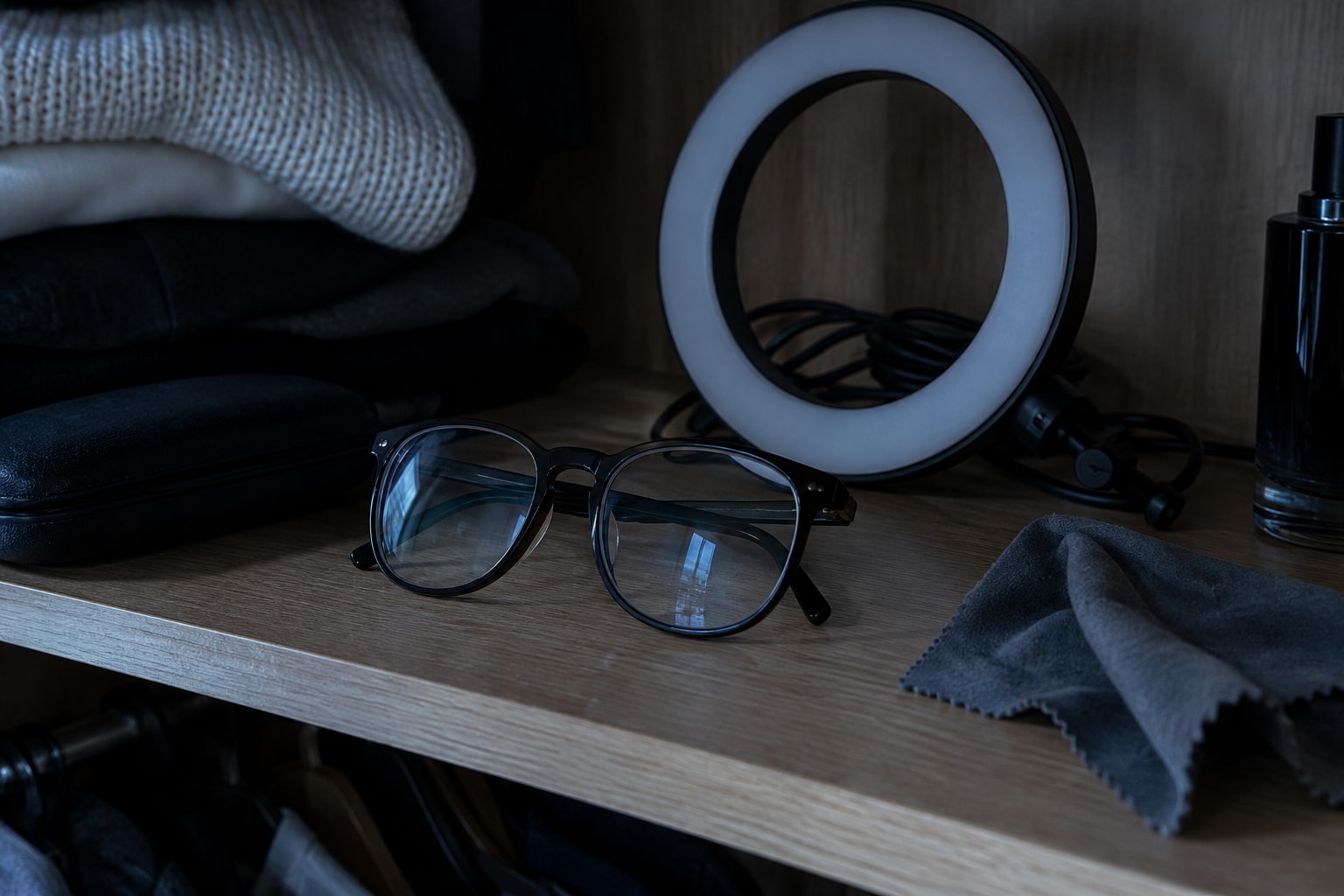
Anti-reflective coating helps, but it isn't a complete fix. ZEISS says these coatings reduce distracting reflections. It also notes that coated lenses still show a residual reflection, which can have a coloured tint.
Treat the coating as a useful backup and fix the light position first. If you plan to replace your lenses, ask your optician about coating options.
Use a different setup for official photos and face scans
Official and analytical photos need visible eyes, not dramatic lighting. GOV.UK tells passport applicants to remove glasses where possible. If glasses must stay on, the eyes cannot be covered by glare, reflections, frames, or shadows.
LooksMax Scan asks for a clear, front-facing photo with clear lighting. Its dark-circle scan also calls for a photo without glasses. For that kind of image, skip the ring light if it keeps reflecting.
Face a large window with indirect daylight, or place a diffused lamp near the camera without wrapping it around the lens. Remove your glasses if you can frame the shot safely. A timer, tripod, or another person can help if you cannot see the screen clearly.
Use the original photo. Retouching glare can also change the eye and under-eye pixels you are trying to assess.
A five-minute setup check
- Put the camera at eye level on its own stand.
- Raise the ring above the camera and angle it down.
- Move the ring to one side until both pupils are clear.
- Set exposure and brightness only after the reflection moves.
- Record a short test while looking at the lens and screen.
- For a face scan or official photo, remove glasses if you safely can.
If those steps don't clear both lenses, the ring is the wrong light for that space. Use a high side lamp, two side lights, or soft daylight instead.
FAQ
Why does a ring light reflect more than a window?
A ring light is bright, close to the camera, and shaped around the lens, so its return path often points straight into the camera. A window can also reflect when its position lines up with the lenses and camera.
Does a lower brightness remove glasses glare?
It can make the reflection dimmer, but it won't move it. Change the height or side position first, then lower the power if the remaining highlight is too bright.
Can anti-reflective coating remove the circle completely?
Not reliably. The coating reduces reflected light, but coated lenses can still show a faint green, blue, or purple reflection under a strong ring light.
Should I remove my glasses for an AI face scan?
Remove them when the tool asks for a clear eye or under-eye area and you can take the photo safely. For LooksMax Scan, a clear front-facing image without glasses gives the dark-circle tool an unobstructed view.